
Low-resolution images that look fine on screen but print soft
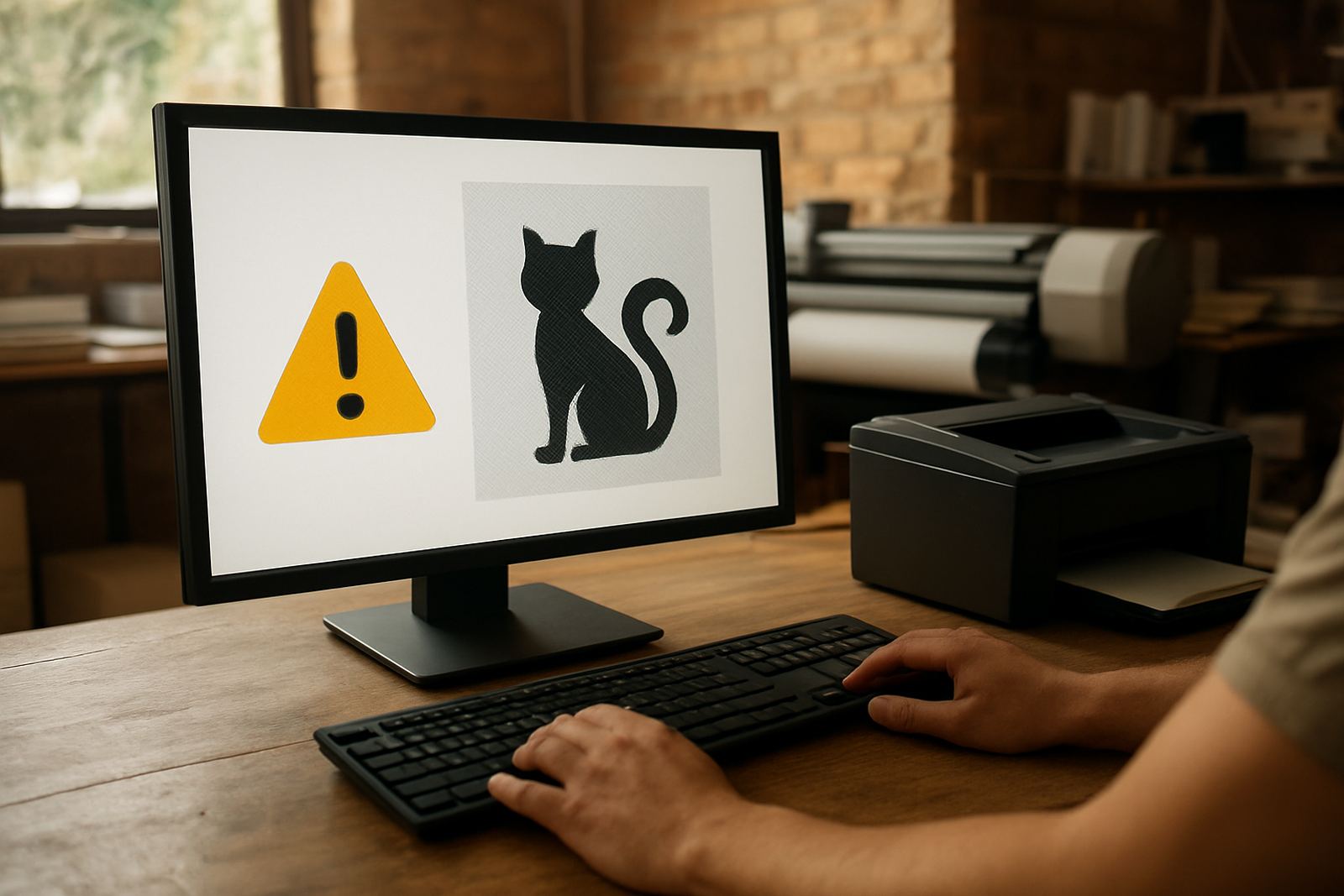
The most common file issue is low resolution. A picture may look sharp on a laptop or phone, then print blurry once it is stretched onto a banner, sign board or vehicle panel. Screens show images differently, so a file that looks okay at 25 cm wide may not hold up at 1,5 m or more. For business cards and flyers, images should be crisp at final size. For larger work, especially sign boards and wrap panels, the original image needs enough detail from the start.
This matters even more for jobs that people read from a distance. A safety sign, shopfront board or trailer decal has to stay clear in sunlight, dust and moving traffic. In Paarl and the wider Boland, bright light can reveal every flaw, so soft images stand out fast.
- Use original photos where possible, not copies forwarded on WhatsApp.
- Avoid screenshots for logos, product shots or contact details.
- If a file is small, ask whether it can be rebuilt before printing.
Wrong colour setup that changes the finished print
Another regular problem is colour. Artwork prepared for screen viewing often uses RGB, while print work needs the correct print setup so colours reproduce properly on paper, vinyl or board. A blue logo may look bright on a monitor, then print dull or slightly purple. Black can come out flat, and dark backgrounds may lose detail. This is especially important on light boxes, contravision and vehicle graphics where contrast must stay strong.
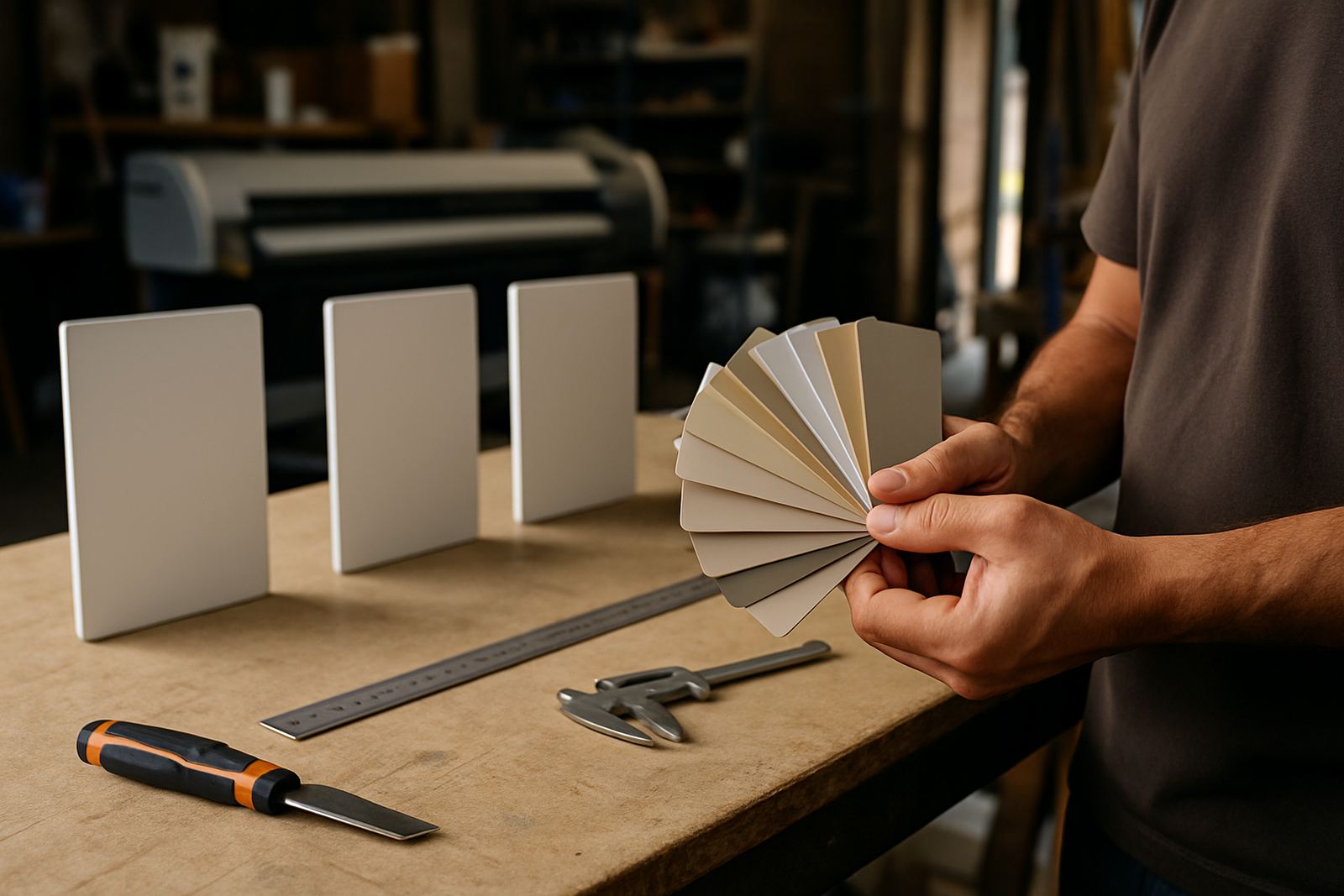
Colour matching also gets tricky when a customer sends several old versions of the same logo. One file may be a deep red, the next a faded orange-red, and the third a low quality scan from years ago. Consistency saves time and avoids reprints.
- Send the latest approved version of the logo or artwork only.
- Keep colours consistent across business cards, flyers and signs.
- If exact colour is important, mention it before printing starts.
Missing bleed and safe margins cause trimming trouble
When a design runs right to the edge, it needs bleed. Without it, a cutter may leave a thin white line on the edge, or trim into an important part of the design. This is a common issue on flyers, cards, stickers and laminated prints. On larger boards and banners, the same problem can affect eyelets, hems and mounting points. A file that looks neat on screen can fail the moment it is cut.
Safe margins are just as important. Phone numbers, logo marks, QR codes and key wording should sit far enough in from the edge so nothing gets clipped. A good rule is to keep text away from the outer edge and allow for finishing before you sign off the artwork.
- Allow bleed on any design that prints to the edge.
- Keep important text and logos inside a safe area.
- Check the final size before saving and sending the file.
Fonts, outlines and missing text that change the layout
Text can create trouble when the wrong font is used or when the file opens on another computer without the original typeface. Then the spacing changes, lines shift, or the message breaks into the wrong place. That is a big risk on menus, directional signs, service boards and vehicle lettering, where every millimetre matters. What looked balanced in the studio can land up looking uneven once the file opens elsewhere.
Converted text is another point to watch. If fonts are not handled properly, the layout can change without warning. It helps to send artwork in a print-ready format and, where possible, include a proof for checking. Even one missing letter can cause a delay, and sometimes a costly reprint.
- Use clear, legible fonts for small print and distance viewing.
- Check spelling twice, then check it again on names, streets and numbers.
- Save a final version before making any changes.
Poorly built files for stickers, wraps and curved surfaces
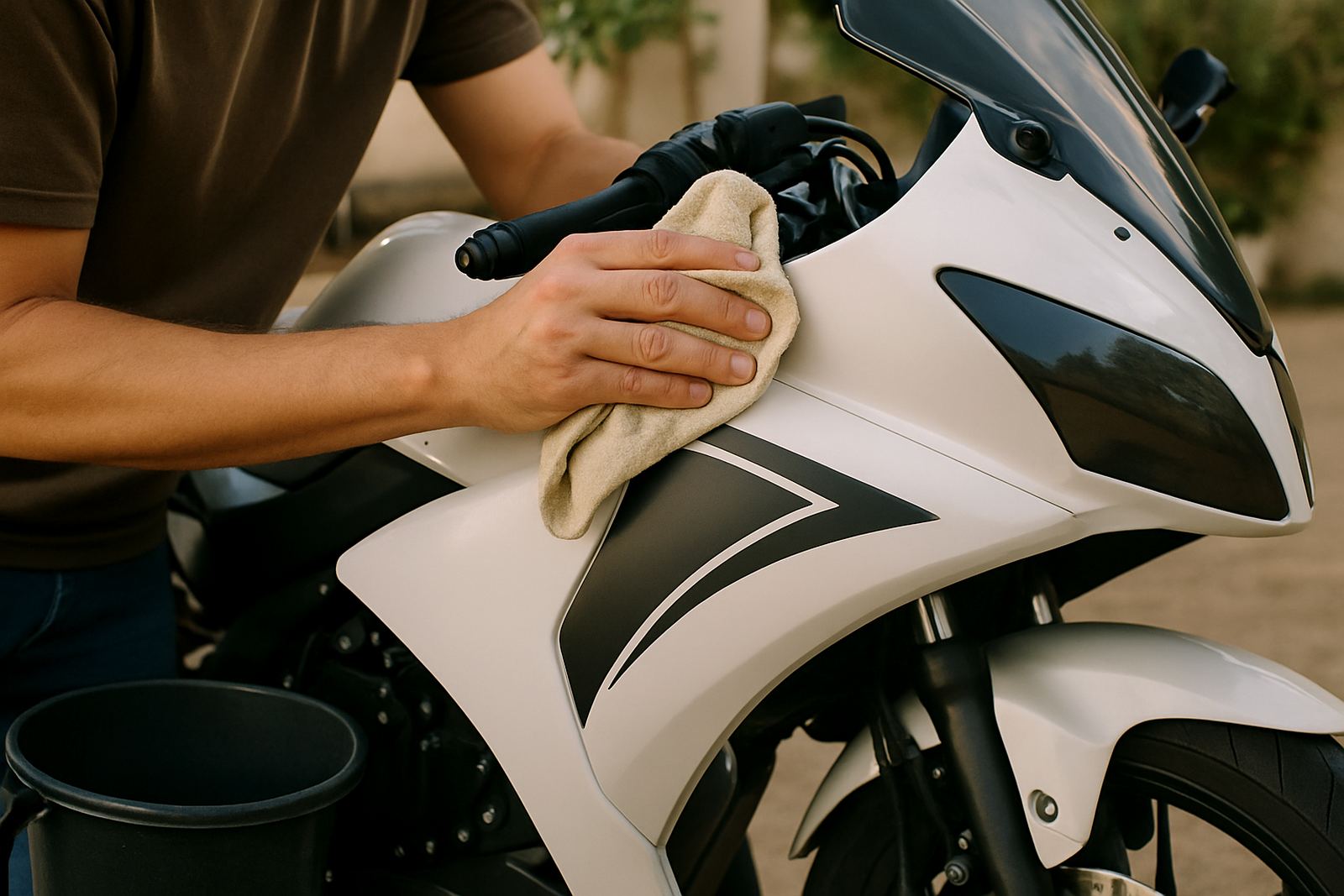
Vehicle wraps, motorbike decals and vinyl stickers need more care than a simple flat print. A design may look fine on a rectangle, but once it moves over handles, curves, rivets or panel gaps it can distort. If the artwork is not set up properly, logos can stretch, key words can bend, and fine lines can disappear. In a town like Paarl, where delivery vans, bakkies and rider bikes work in heat and dust, those faults show up quickly.
Window frosting and contra-vision also need the right file setup. Tiny text, dense blocks of colour and busy patterns can reduce visibility or make the final result harder to read from inside or outside. For vehicle work, a clean layout with proper panel breaks saves time at fitment stage and gives a better finish.
- Design with the actual shape of the surface in mind.
- Keep important details away from seams, curves and handles.
- Use strong contrast for anything that must be read on the move.
Large, messy or incomplete files slow everything down
Sometimes the issue is not the artwork itself but the file management around it. Jobs arrive with multiple versions, mixed page sizes, missing images or no clear instruction on which file is final. That means more back-and-forth before production can start. For a business running signs, banners, boards and reprints for several towns across the Boland, that delay can affect the whole queue.
Load-shedding and tight turnaround times make it even more important to get files right the first time. If a job needs same-day attention, a tidy file package helps the studio and print team move faster. It also reduces the chance of errors when the work is being prepared for cutting, lamination, mounting or installation.
- Send one final artwork file and label it clearly.
- Include all linked images, logos and supporting files.
- Tell us the finished size, quantity and where the job will be used.
For example, a Wellington contractor may send a faded logo photo from an old van door and ask for a new sign, a banner and two vehicle magnets. If the image is too small, the print will show it straight away. A clean file, on the other hand, can be used across all three items with less guesswork and a better result.
A simple file check saves time, money and reprints
Most artwork problems can be avoided with a quick check before submission. Look at resolution, colour, spelling, bleed, file type and final size. If something is unclear, it is better to ask early than to fix it after printing. That is true for a stack of flyers as much as it is for a shop sign or full wrap. Good files make the whole job smoother, from artwork checks through to print, finishing and installation.
Our team in Paarl works with businesses, riders and drivers across Wellington, Stellenbosch, Franschhoek, Worcester, Malmesbury, Klapmuts and Simondium. Whether the job is a few stickers or a full set of signs, a tidy file helps avoid delays and gives the final piece a sharper finish. A little checking upfront can save a lot of time later, and a misspelled name on a sign is the kind of mistake nobody wants to explain twice.